
Name-Based Case Searches
Garza posts no countywide public portal on its own county site. The statewide option is re:SearchTX. Its guide calls for registered access, either through an eFileTexas credential or a separate registration. A matching name is only a starting point. A result may not belong to the person or matter you had in mind.
- Open re:SearchTX and sign in or register if prompted.
- Select Cases first, then enter the public party name carefully.
- Narrow by Garza County or court, case type, status, and filing period where those controls are available.
- Compare the returned case number, court, description, and date rather than relying on the name alone.
- Run Hearings separately when the goal is a setting, and contact the clerk if the expected matter is absent.
| Field Label | Type | Required | Notes |
|---|---|---|---|
| Party name | Text | No universal rule stated | Use as a filter and confirm against case details. |
| Attorney name | First/last text | No | The guide supports an asterisk wildcard. |
| Court / location | Filter | No | Important for limiting results to the correct Garza court. |
| Case type / status | Filter | No | Availability depends on populated data. |
| Date | Date control | No | Exact controls were not confirmed in accessible materials. |
Inside the re:SearchTX Search Layer
The official guide lays out four search modes. They are Cases, Filings, Text, and Hearings. Advanced search lets you pick Cases or Hearings, then a Search By control. From there, results offer Case Details, Filing Details, export, saved searches, alerts, and sharing. None of that promises full coverage. Not every field or older Garza record is populated in the system. The portal marks the official access point for this Garza County docket search. But what it returns depends on each court's participation.
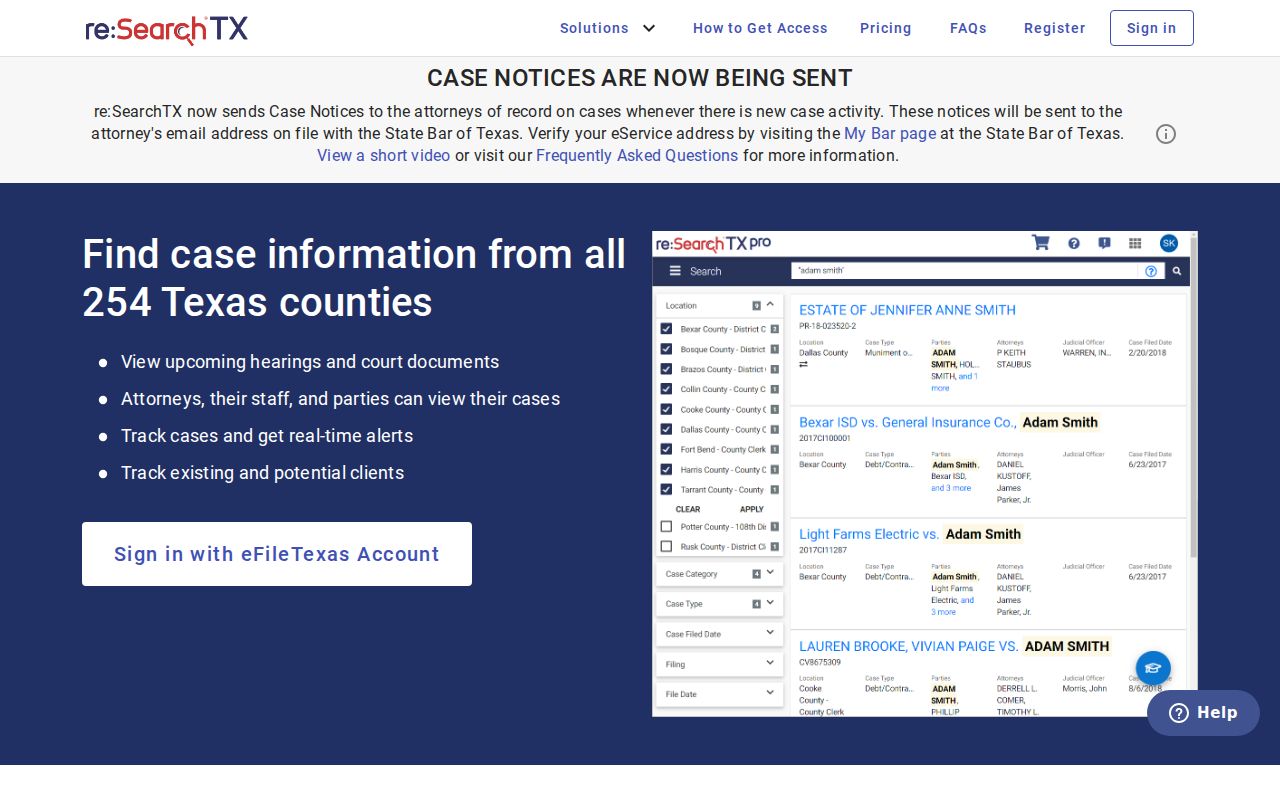
Once inside the portal, run case, filing, text, and hearing searches as your needs dictate. A payment page for a JP or Post citation handles money, not docket history, so do not mistake it for a public index of Garza County court records.
Case Number Searches
A cause or case number beats a name every time. The re:SearchTX guide says to search the numeric portion with dashes. It warns against suffixes like .MAS, .C, or .AB101. Garza County publishes no local format or code legend. So invent no year, case-type, or sequence pattern on your own. Copy the number exactly from a notice or filed document. Try the base number without the warned suffix, then narrow by court and county. A traffic citation number, civil-process citation, docket number, and cause number are not automatically the same thing. If the portal rejects the entry, read the number to the clerk exactly as printed. Ask which identifier the court actually uses.
Choose the Court Before the Database
The 106th Judicial District Court docket belongs to the District Clerk function, covering felony, district civil, family, tax, and related matters. County misdemeanors, county civil, and probate run through the County Clerk function. Garza combines both under Terri Laurence at 300 West Main Street, 806-495-4430, though the court you name and the record type you want still drive the request. JP Precinct 1, JP Precinct 2, and Post Municipal Court each keep their own lower-court routes. For Post and JP traffic matters, the official contact and payment pages are handy but not searchable case-history databases. The Texas courts FAQ confirms it: no single Judicial Branch portal supplies every Texas court's case lookup.
Case Search Results Explained
When a Garza record is integrated and public, Case Details can reveal the matter's structure. A filing entry can appear even where the document itself is unavailable or gated behind a charge or permission.
| Case Number | The court identifier used to distinguish the matter. |
|---|---|
| Style / Parties | The caption, which must be confirmed against other identifying case fields. |
| Case Type | A category such as civil, criminal, family, or probate where populated. |
| Filed Date | The filing date recorded in the indexed case detail. |
| Status | A pending, disposed, or other status that should be read with the latest entries. |
| Filings / Hearings | Events or document titles and scheduled hearings where accessible. |
When a Garza Case Does Not Appear
Start with the basics. Check spelling, court, case type, date range, and number formatting. Run Cases and Hearings separately. Then ask harder questions. Has the court integrated the records you need, does the system reach historical material, and is access confidential or role-limited? A statewide technology direction required district and county clerk integration by November 1, 2025. But that deadline does not prove every older Garza record is visible now.
No result is not a no-case certificate. Contact the proper custodian before concluding that no matter exists.
For district and county records, call or visit the combined clerk, or mail a focused written request. JP or municipal matters go to that court directly. Ask by name for a docket sheet, filed document, hearing date, or certified copy, so the office knows exactly which product you need from the Garza County court records.
Two Ways to Search: County and State
Garza has no local all-court portal. So a "county search" really means working through the county calendar, the clerk, or whichever lower court holds the file. re:SearchTX is the statewide electronic layer, not a promise of universal coverage for a Garza County docket search.
| Statewide Portal | Garza County Channels |
|---|---|
| Participating and integrated Texas courts | Garza clerk, calendar, JP, or municipal source |
| Cases, filings, text, hearings, and details where available | Direct confirmation and record requests tied to the named court |
| Useful for electronic discovery across locations | Best for a known Garza case, missing result, or certified record |
| Registered access and role limits apply | Phone, counter, mail, and appropriate records-request channels remain available |
Texas Has No Universal Case Portal
A common assumption deserves a direct answer. Texas offers no one portal that supplies every court's case search. The Texas Judicial Branch FAQ is the clearest cross-check on that point. It matters doubly in Garza County, where district, county, justice, and municipal duties split across different custodians. The FAQ itself documents the statewide limitation. So do not read it as a promise that re:SearchTX covers every court docket in full.
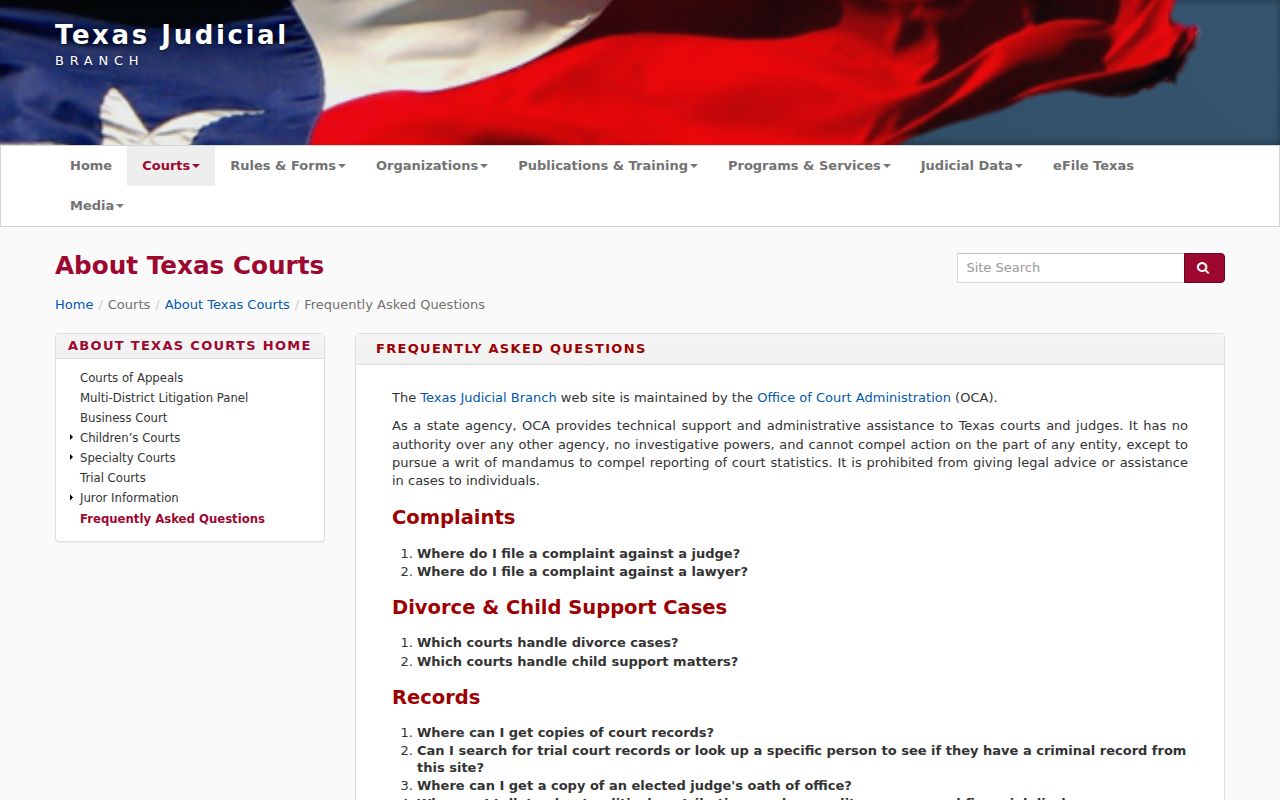
Use the court hierarchy as your search map once you absorb that. Statewide search is one option; direct clerk and court access is the completeness fallback for any Garza County court lookup.
Which Cases Stay Restricted
Not every case file is open to the public. Some records stay sealed. Others appear only in limited form. They contain protected family information, or access is tied to a person's role in the case. Juvenile records face some of the strictest limits of all. The re:SearchTX guide describes a message telling a searcher that a confidential case cannot be found. Access to it is role-limited. A case missing from public results is not proof it never existed.
Texas Family Code Chapter 58 sets the juvenile confidentiality rules. Rule of Civil Procedure 21c governs redaction of sensitive data in filed documents. Nondisclosure and expunction are separate legal processes. Neither one can be inferred just because a docket search comes up empty. Anyone entitled to restricted access must follow the court's process. They must also present the required authority or order.
The Clerk Fallback Chain
Start district and county cases with the combined District and County Clerk. Call 806-495-4430 or go to the counter at the courthouse. Mail works too, if the request is specific enough. Garza County also offers an open-records route through the Texas Public Information Act. One catch: Texas treats administrative judicial records differently from case records and docket sheets. Ask the clerk which process fits the item you want.
Give the clerk the court and the cause number. Add an approximate filing date and the case type. Say exactly what product you need: a docket sheet, a filed pleading, a judgment, an order, or a certified copy. A docket view on a screen is not a certified record. For JP or Post Municipal Court matters, skip the combined clerk. Contact that court directly. This fallback matters when registration fails. It also matters when online coverage has gaps, or the document simply is not downloadable.
Older or court-specific material may never reach the statewide layer. A empty result can mean an integration problem. It can also mean a date range, a number format, the wrong court, or a lawful restriction. So ask for a narrow public product instead of assuming the case does not exist. Remember what each item shows. A register printout lists event lines; a signed order contains the actual ruling. Plain and certified copies serve different purposes as well.
Before calling about a hearing, run separate searches in Cases and in Hearings. For a Post or JP citation, use the issuing court and the citation number. The clerk can quote current copy and search charges. The clerk can also lay out delivery options and say whether a redacted public version exists. Keep the search date and source with your notes. A later filing or a reset can change what the docket shows. Planning to file the record in court? Ask what certification the receiving court requires.